


Are you looking to make your website more visible and amp up your customer engagement metrics? An omnichannel marketing approach that places customers at the centre works best for your website. Personalized content distribution improves user experience and can build customer loyalty. Limiting yourself to customer variables (content that uses ‘first name’) is becoming terribly outdated. Now, what attracts customers is an approach that adopts customer centric marketing – in which brands consider the user’s journey, purchase history, and preferences. Consider using web push notifications as your top marketing tool for engaging website visitors. After all, your website is the first place customers go to when evaluating your business, isn’t it? This blog will explore the types of web push notifications for different businesses, from e-commerce to SaaS.
Want to get more from web push? We discuss essential steps to set up and optimize your web push notification strategy. From understanding your target audience to timing your notifications and delivering actionable content, we’ve got you covered. Start utilizing them for your campaigns!
What Are Web Push Notifications?
Web Push Notifications are a powerful tool for engaging users, re-engaging, and retaining existing customers. They increase conversion rates, monthly active users (MAU), and daily active users (DAU). This is because they improve user experience as the brand communicates based on real-time behaviour updates.
Want to keep users buzzing about your brand? Push notifications are here to provide reminders about upcoming events, display essential news updates, and launch your next feature.

There are different ways of automating push notifications. It can be done through scheduling, drip campaigns, or event-based triggers. The plus point? It personalises the user journey and takes the hassle out of manual sends. You can deliver critical notifications consistently.
One of the most common ways to automate notifications is by scheduling them beforehand. This is especially useful for recurring reminders, such as billing cycles or birthdays.
Use drip notifications to send out a series of messages over some time. For example, when releasing new products or updates.
Triggered notifications are another great way to automate notifications. For example, you can send emails to customers who abandon their shopping cart halfway through checkout.
How Do Web Push Notifications Work?
The browser triggers a notification when it detects an event (you can even incorporate delayed action). For example, when subscribed to a blog or news site, a notification is received when a new post is published. Some websites might send out browser notifications when there are new features available. Or inform customers of discounts offered and any new product releases.
When a notification appears on the user’s screen, it displays a small icon in the top right corner of the page. A short text describing what’s happening shows (e.g., “New posts published”). Users can then click on this notification to view more information about what has occurred.
An interactive push notification has images and compelling call to action click buttons within them to take action (e.g., “Read Now” or “Claim Offer”). This makes it easy for users to act upon any given notification quickly. They need not leave their current page or search for extra information elsewhere.
Why Add Web Push Notifications On Your Website?
Web push notifications in e-commerce work like friendly taps on the shoulder, reminding customers about abandoned carts and sharing relevant offers or updates. In SaaS businesses, they act as personalized invites, engaging users with welcome messages and software-related tips. These notifications are cost-effective and low-maintenance and provide real-time engagement stats for dynamic campaign adjustments. They can send users welcome notes, feature updates, product updates, and training materials related to their software.
Content Engagement
Content distribution is one of the key benefits of web push notifications. You can increase the reach and visibility by sending timely updates. These updates include new articles, videos, products, or customer services.
Retargeting
Retargeting is another significant advantage of web push notifications. You can craft custom messages based on users’ locations and interests and convert them into leads or sales.
Customer Retention
Web push notifications can help with customer retention. Sending regular reminders about new content or products will enable you to stay top-of-mind for customers. Want to encourage repeat purchases? Providing discounts or exclusive offers via web push notifications can help boost loyalty.
Implementing Web Push Notifications in SaaS
For SaaS companies, web push enables real-time communication with customers about key events. To nurture the customer relationship, send welcome messages to new users, feature announcements, training tips, and other timely updates. Keeping customers informed and educated on your evolving products fosters engagement and satisfaction. Especially when launching new features, push notifications can quickly teach customers how to take full advantage.
Onboarding and Welcome Notifications
To welcome users in a mobile app, imagine creating an onboarding experience that feels as cozy as a homemade cookie. Did you know that about 74% of potential customers might just switch to a different solution if they find the onboarding process too complicated?1 That’s where push notifications come in as a helpful tool to guide users through your app adventure!
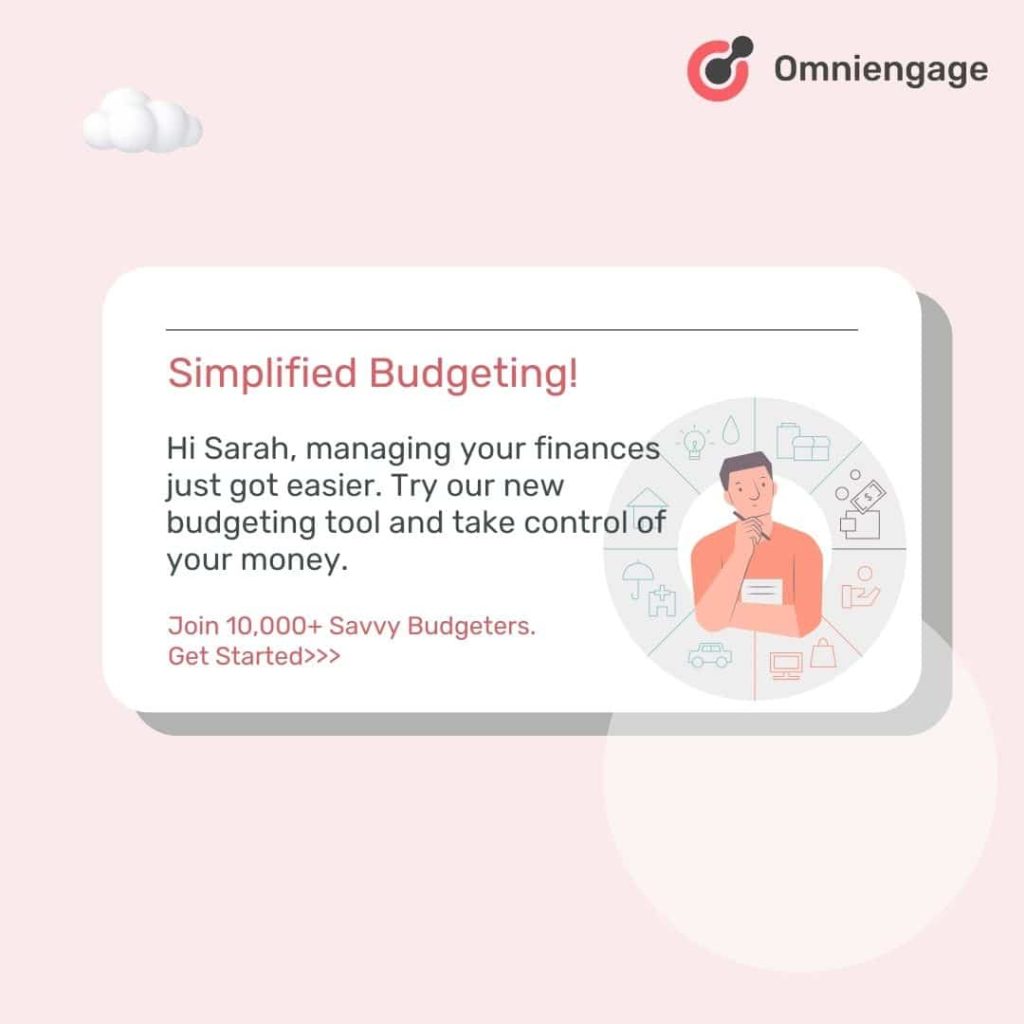
Onboarding notifications assist users in discovering key features and getting started quickly, while guided setup reduces friction and increases user retention.
Pro Tip: Include social proof, such as ratings, reviews, or popularity metrics, in your notifications to build trust and encourage clicks.
Feature Announcements and Tips
Notifications play a key role in maintaining your app’s vitality, serving as the digital pulse that keeps it beating and ensures that users stay in the loop. As users are excited and engaged with every new update, you elicit a better response. Announcing new features can spark conversations and sharing, ultimately boosting retention.
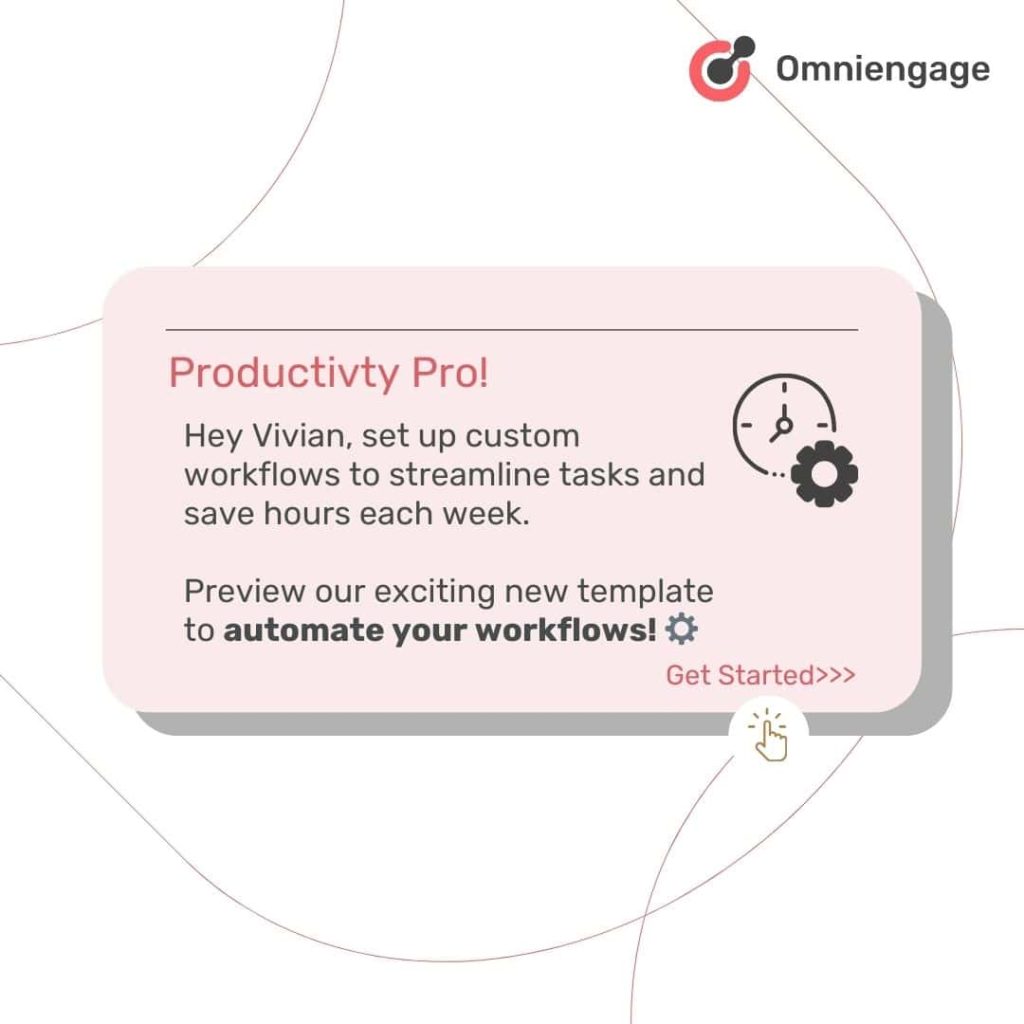
Additionally, tips act as insider information – think of them as life hacks you find online that make everything easier. By integrating these strategies, you’ll set your app on the path to success.
Trial Expiration and Upgrade Prompts
Notifications play a pivotal role in guiding users to consider upgrading. The perfect message is key. To engage users effectively, ensure your messaging is clear, offers are attractive, and track how trial users transition into loyal subscribers.
Acknowledging progress is a powerful motivator. During a user’s trial, it’s important to highlight key milestones in their journey by focusing on their achievements. For example, when a user creates and launches their first email template and starts receiving leads in a mailer application, it encourages them to do more.
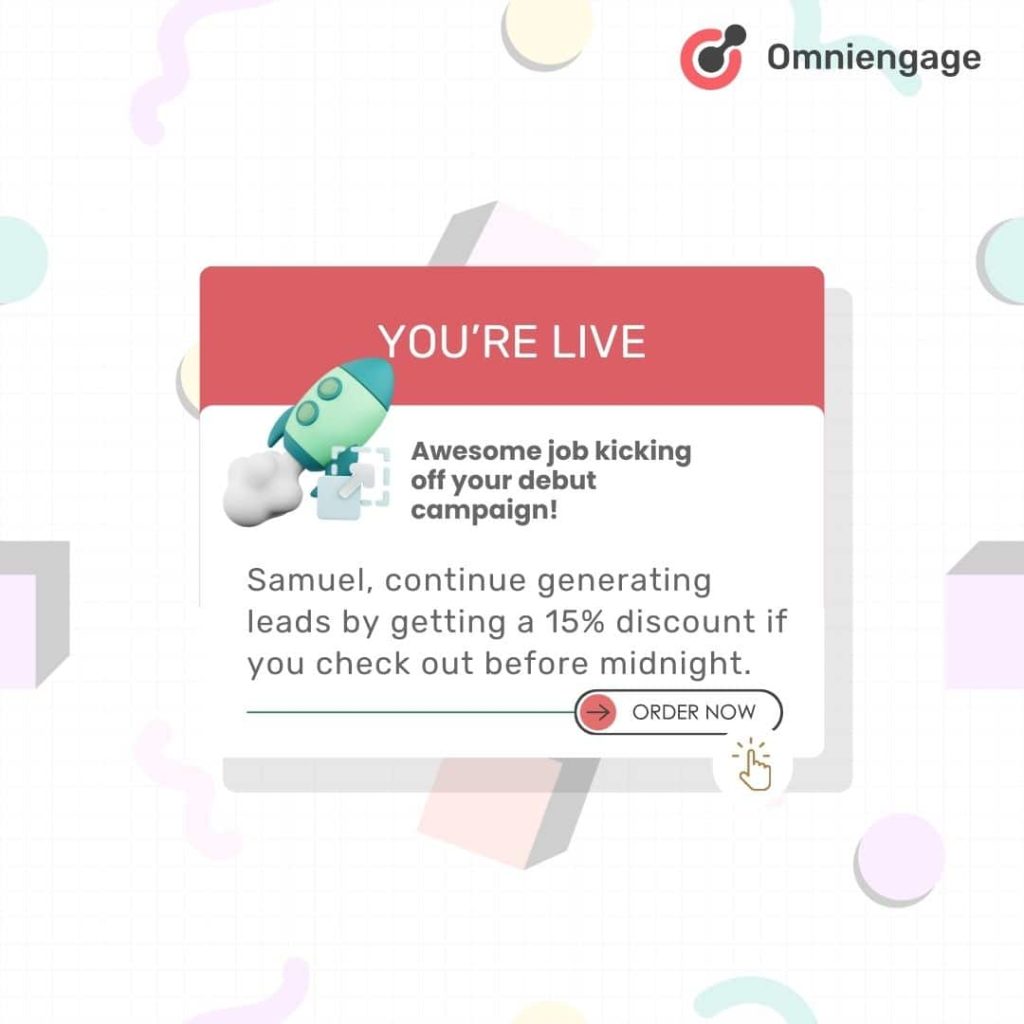
Everyone loves a good deal, right? Including a discount in a notification can be compared to giving out an exclusive code to a set of premium features – it’s a compelling call to action.
So, what’s the secret sauce? What’s the core of a strategic notification? It should make users feel like they’re missing out on a range of features if they don’t take the opportunity to upgrade.
Implementing Web Push Notifications in E-commerce and Travel
For e-commerce sites, push notifications present invaluable opportunities to boost sales through targeted, personalized campaigns. By sending timely reminders, businesses can notify customers about time-sensitive promotions, re-engage dormant users, and even recover abandoned carts. The convenience and relevance of these browser messages make customers far more likely to return and complete purchases.
Cart Abandonment Notifications
Retargeting abandoned carts is one of the most popular uses of web push notifications. When someone abandons their cart, push notifications for reminders or discounts may be sent. This encourages them to complete the purchase. You can use push notifications to recover abandoned carts by following some of these practices:
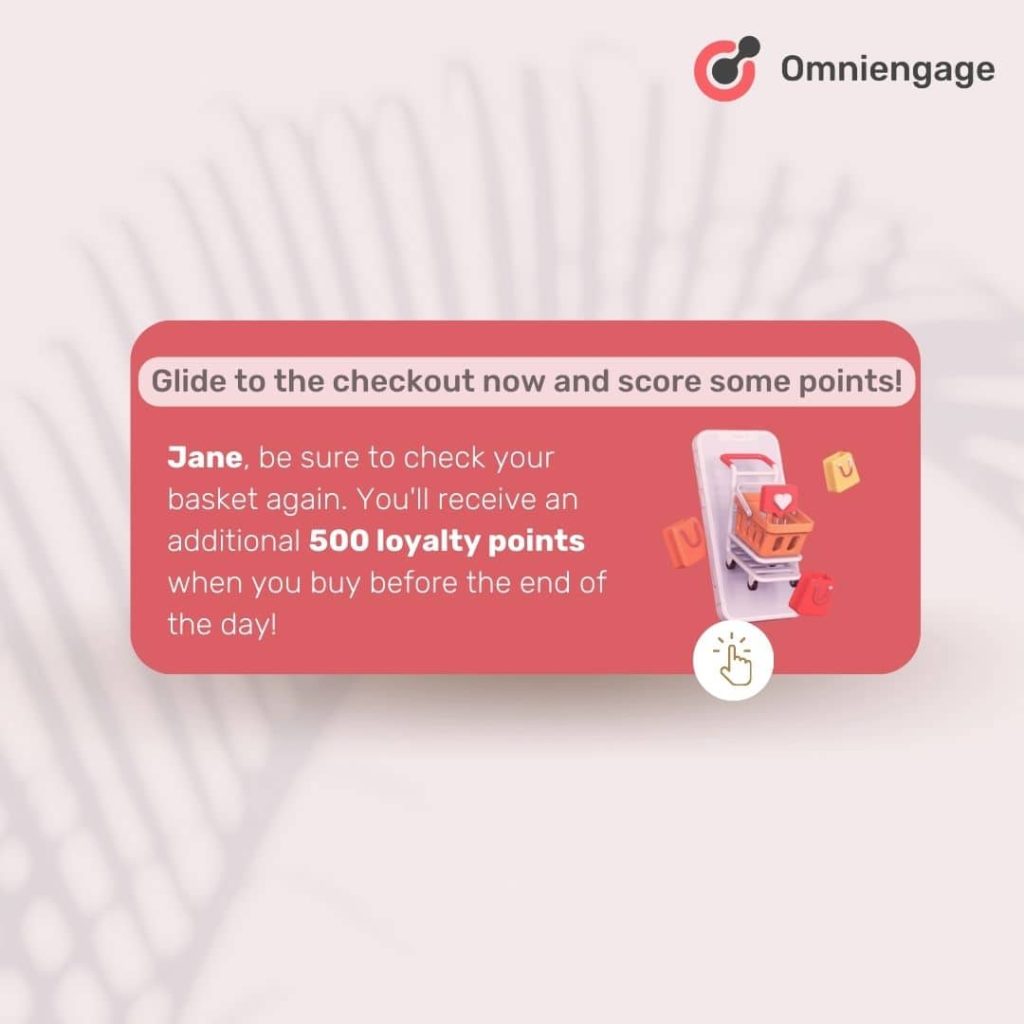
On-point timing
Timing is crucial. To optimize your timing, get the right data from different points to identify past purchase times, login frequency, and open rates, as well as each user’s unique active times. When you send an abandoned cart notification during these peak engagement windows, you will potentially have high conversion rates.
Personalizing the message
Personalize notifications with the customer’s name, abandoned product details, and a direct cart link. Segmentation is key. You can use incentives and messaging for maximum impact when you segment users based on cart value, product category, or past behaviour.
Offering incentives
Use tiered discounts based on cart value or user segments, increasing urgency with limited-time offers. You could also implement an incentive ladder to offer increasing discounts based on the user’s visits to the item’s page.
Personalized Product Recommendations
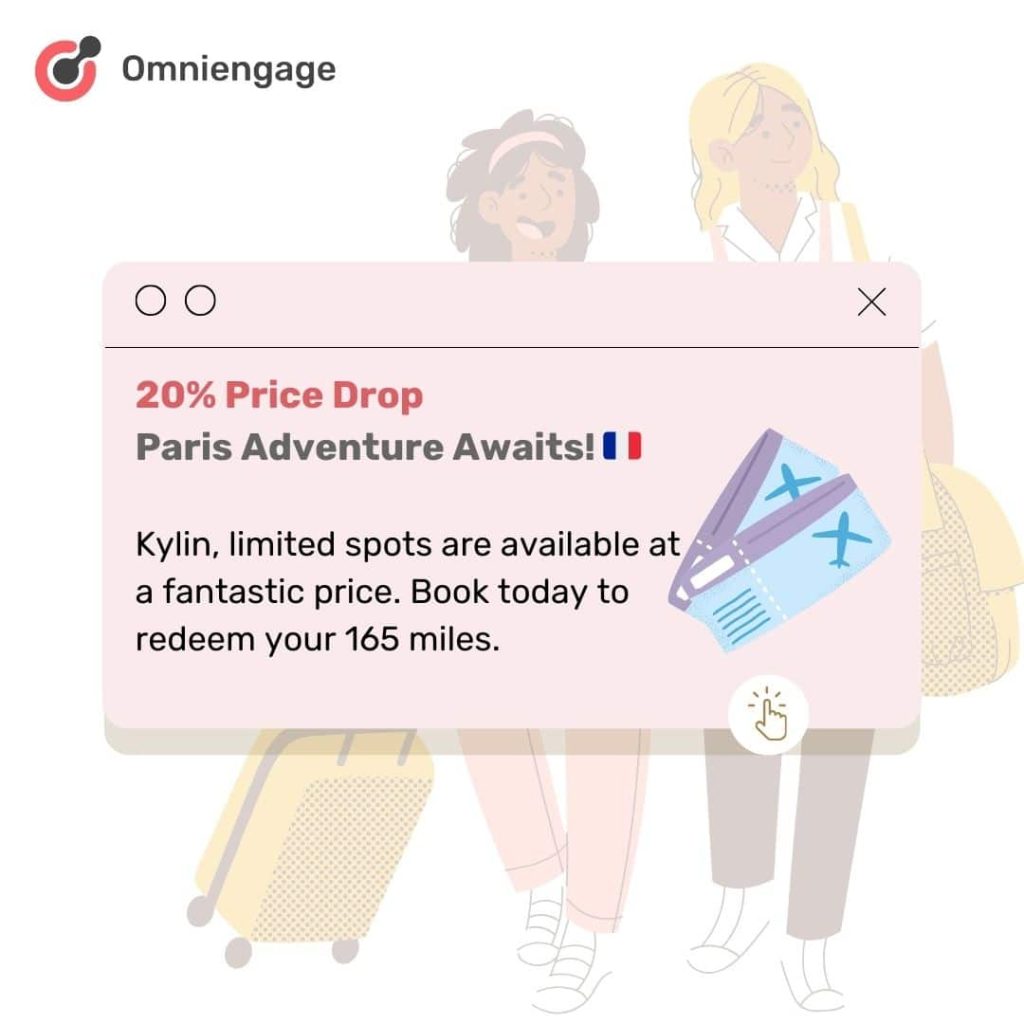
Push notifications allow brands to keep customers informed about their products and services. They can allow any promotions or discounts that may be available. Read on to understand how to use personalized attributes:
Customer attributes
Your target ICP or customer attributes can be a good starting point to build your push strategy. Identify the demographic-based segmentation, for instance., on age, gender, location, interests, lifestyle, personality traits, and preferences to help create detailed customer profiles. These can be collected through feedback or surveys.
Pro Tip: You can identify high-value customers by leveraging customer lifetime value (CLV) for targeted, premium product recommendations.
Purchase history and browsing triggers
Analyzing a user’s purchase history, including product categories, preferred brands, and price range filters, and monitoring their browsing behaviour, such as product views, wishlist additions, and cart activity, can provide insights into the user’s patterns and preferences. Send notifications based on specific actions, such as viewing a product, adding an item to a wishlist, or purchasing a related product.
Price Drop and Stock Alerts
To enhance the customer experience on your site, allow them to set up personalized alerts for their favourite brands and receive notifications for limited stock and time-sensitive deals. Including engaging product images in these alerts can effectively grab their attention, driving more clicks and potential sales.
Setting Up Web Push Notifications
Setting up web push notifications on your website is as simple as sending a text message. It’s like having a friendly messenger delivering important updates directly to your audience’s desktop or mobile device.
They’re low-maintenance and cost-effective. With push notifications, you can have a go-to marketing tool better than SMS or email. You can get real-time feedback to adjust your marketing strategy as needed.

Know Your Target Audience
Before you start using web notifications, it’s important to understand your ideal customers. What makes them want to take action? What difficulties do they face? Knowing your audience is like having a map – it helps you create messages that really connect and get results.
Design Irresistible Opt-In Prompts
Your opt-in prompt is like a friendly greeting for your audience. Make it welcoming, clear, and exciting. Your prompt should make users feel valued and eager to engage with your brand. Keep it short, emphasize the benefits, and watch your subscription rates rise!
Actionable, Valuable Content
Your next step is creating the notifications you want customers to receive when visiting your website. An engaging copy is concise, with a message limit of 20 characters.
Your notifications should be like nuggets of wisdom: easy to digest and impossible to resist. Focus on delivering actionable content that adds value, such as a limited-time offer, a helpful tip, or a personalized recommendation. Ensure that each notification captivates the audience and leaves them wanting more.
It would be best if you made sure that the links included in these notifications go where customers can find more information about what the message said.
Timing is Everything
Success with web notifications hinges on perfect timing. It’s all about delivering the right message at the right moment. Triggers based on user behavior, such as abandoning a cart or reaching a milestone, are great for effective notification timing. Analyze user data to pinpoint the best times to engage users and boost conversion rates.
Setup Automated Triggers
Once you create notifications, you can configure automated triggers. These can be used to send messages correlated to a user’s action. For example, they can be timed based on specific conditions, such as when a customer visits a particular page on your website or when a product goes on sale.
But how often should you trigger these notifications? Aim for a cadence that keeps users engaged without overwhelming them. Use A/B testing for frequencies and confirm by monitoring engagement.
Utilize Omnichannel

Picture your web notifications as a friendly tour guide, leading users through their journey with your brand. Now, imagine extending beyond the boundaries of your website. That’s where multi-channel notifications come in!
By implementing a multi-channel notification strategy, you can have a direct line to your audience, ensuring your messages are always front and center.
For example, if a user abandons their cart on your website, a gentle tap via a mobile push notification can work wonders in encouraging them to complete their purchase. Omnichannel notifications help your brand to create a cohesive user experience, guiding your audience towards your desired outcomes at every turn.
Using OmniEngage Builder to Setup Web Push Notifications
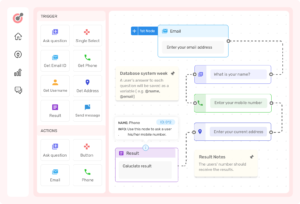
In the OmniEngage workflow for Abandoned Cart below, you can easily setup Web Push Notifications with OmniEngage’s drag-and-drop builder. The builder allows setting up of notifications with conditional messaging. This sets the user on journey that involves sending a discount code SMS or a related products Email depending on the action taken by the user.
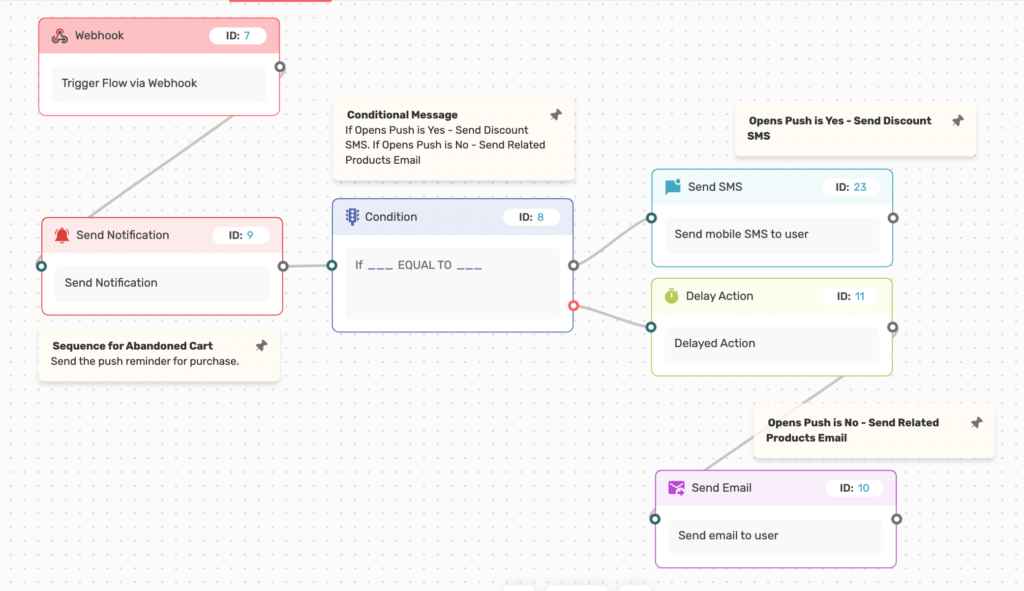
Setting up web push notifications on your website can be a great way to stay connected with customers. It allows one to convey important information rapidly. You can deliver timely messages immediately with just a few simple steps and minimal effort!
Optimize Your Web Push Notification Campaign
The performance metrics of push notifications are vital to assessing the success of your campaigns. The right metrics are essential to measuring and adjusting your campaigns’ health. Common performance metrics for tracking push notifications are total subscriber base, opt-in rate, click-through rate (CTR), and conversion metrics.
Subscriber Base
Your total subscriber base is a metric that measures the number of people who receive your notifications. This is an important metric to gauge the reach of your notifications and see how many people are engaging. You can use this information to identify trends in user behaviour and customize future messages. Then you can target specific audiences.
Opt-In Rate
The opt-in rate is a metric that tells you how many people choose to sign up for your notification updates. Knowing this information helps you fine-tune your messaging strategy. Creating offers or content that speaks to your target audience’s needs and interests becomes easier. Tracking this metric over time shows which channels or strategies result in higher opt-in rates. Now, you can maximize those efforts in the future.
Click-Through Rate (CTR)
The click-through rate (CTR) is another crucial metric since it helps measure how your content drives user engagement. Looking at CTR data shows how many people clicked on a notification after receiving it. This gives insight into what kind of message resonates best with users. From there, you can experiment with different styles of formatting or language. Customizing it depends on what works best for a particular campaign or audience segment.
Conversions
Conversion metrics measure a campaign’s success by looking at actions taken post-click, such as completing an order or signing up for an event. This information helps determine if specific channels perform better than others. Try our omnichannel analytics guide to define key metrics that are helpful for measuring conversions. You can target customer groups or highlight certain products or services. Tracking conversions over time will help identify trends in user behaviour.
Conclusion
Web Push Notifications are a powerful and cost-effective way to engage customers and keep them returning. You can ensure that your campaigns have the most significant impact by taking the time to understand how they work. Then, you can create compelling notifications, automate and schedule them, and track performance metrics. Though there is much to learn about using Web Push Notifications for web publishing and marketing. The short-term and long-term potential for success is high. If you don’t get left behind in this competitive space, start building a strategy for web push notifications today! Ready to start your campaigns? Sign-Up for a free trial of OmniEngage.